What Is The Difference Between Screen Size and Screen Resolution?
Brad Cupp·10-12-2020·4 min read
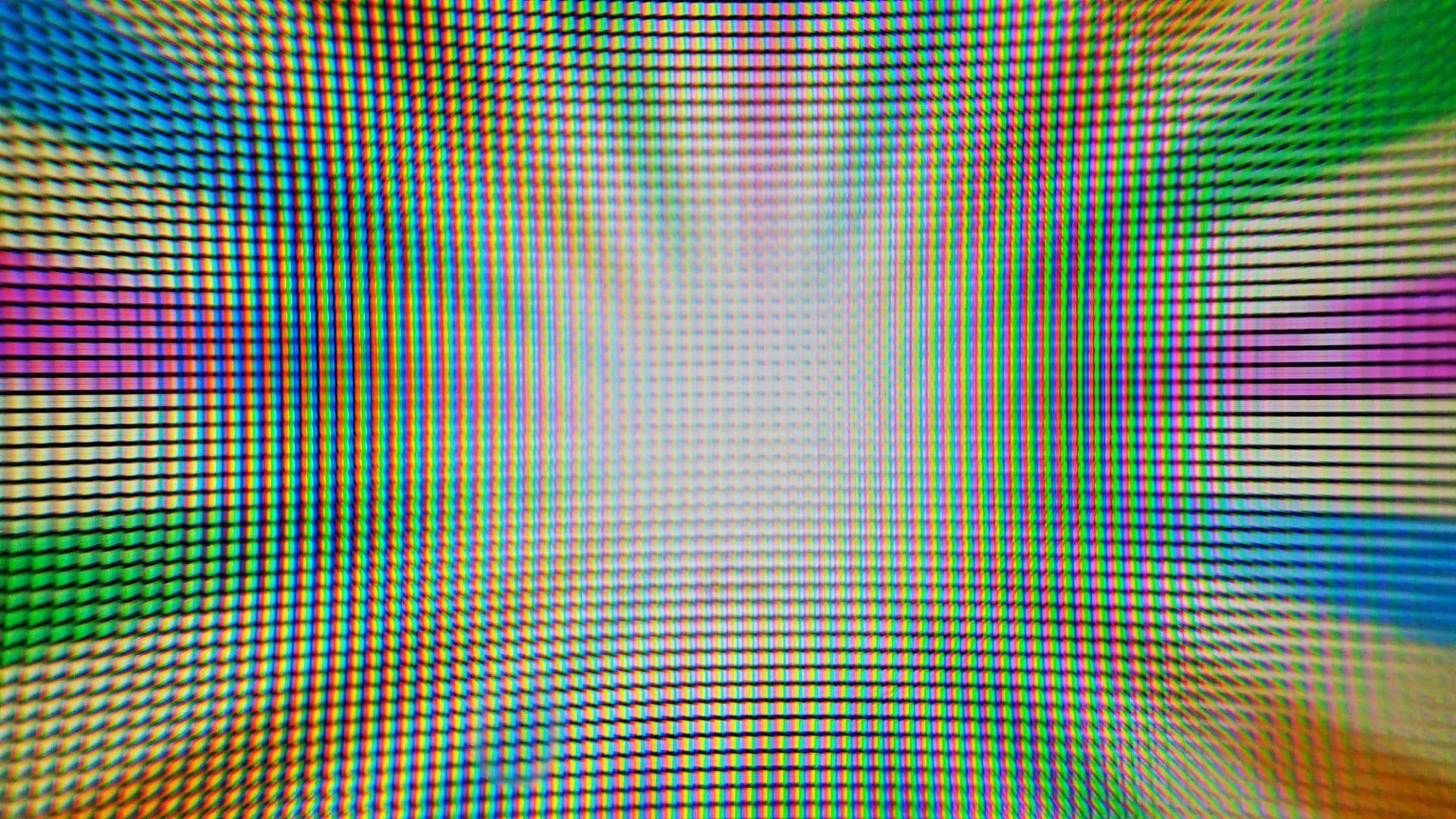
A question that gets asked a lot at What The Tech is what matters more? Screen size or screen resolution? The answer is relatively simple once you know the difference between the two terms.
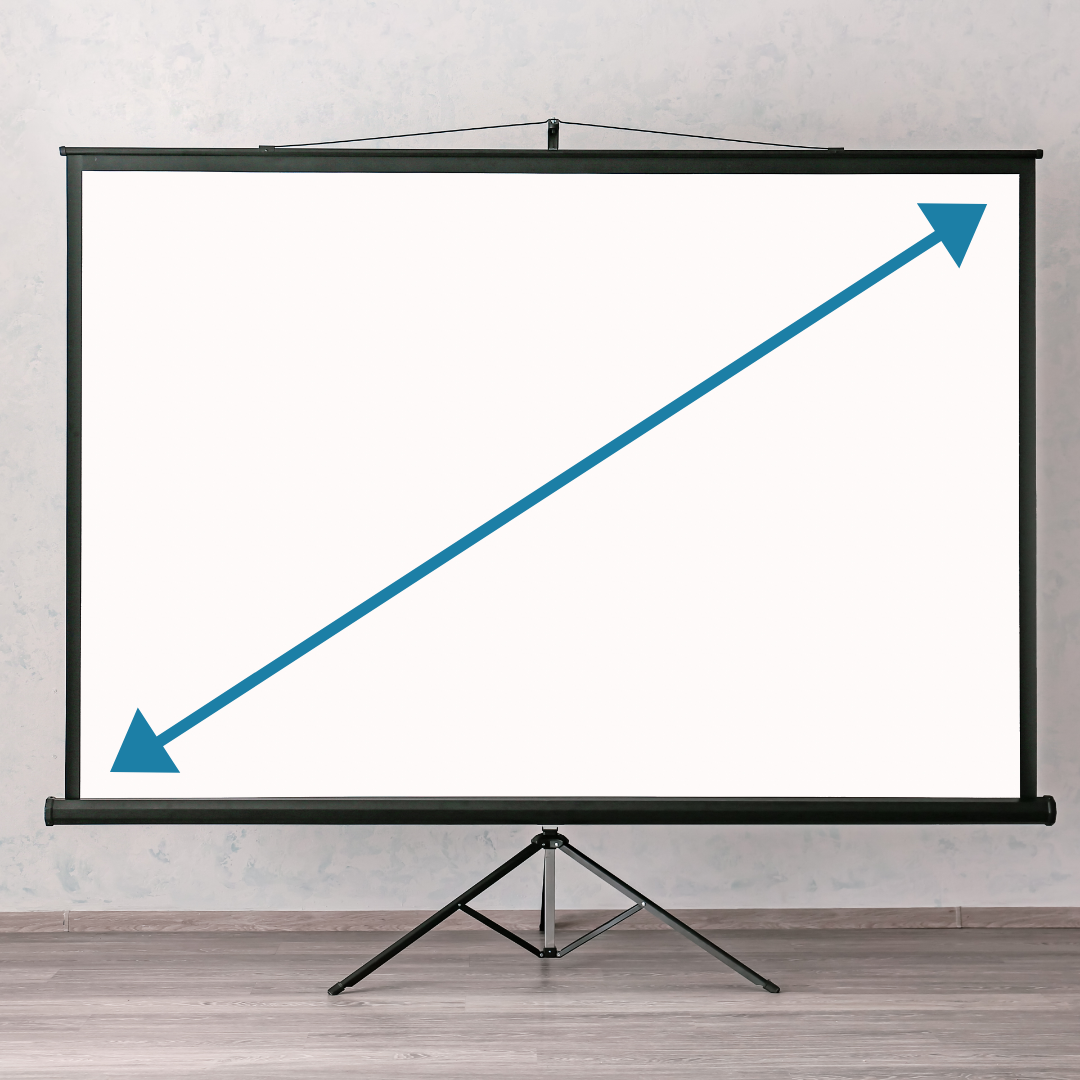 Figure 1
As you might imagine, depending on the aspect ratio (the ratio of the width of a screen to its height) of a device, two screens that have the same diagonal measurement may have very different surface areas. Take this example.
 Figure 2
Here we have two 10” screens, however, one is square and one is rectangle. Calculating the individual areas shows us that the square screen is actually 15% larger overall than the rectangle screen. If these were actual products, they would both be advertised as having a 10” screen despite the square actually having a larger screen area. Each size screen offers a different advantage for content viewing. The square screen is more ideal for working on vertical text documents with less wasted space on either side, while the rectangle screen is better for watching a movie with less wasted space on the top and bottom. For a real world example compare these two LG monitors. One is 27” and one is a 29” “ultrawide” monitor.
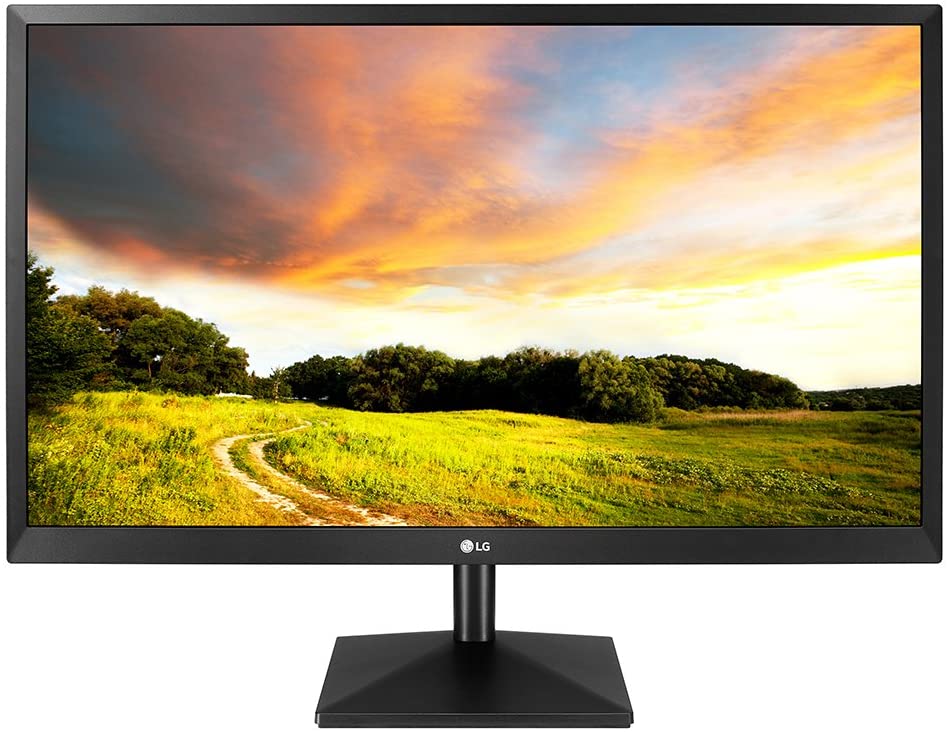 Figure 3 - 27” Monitor
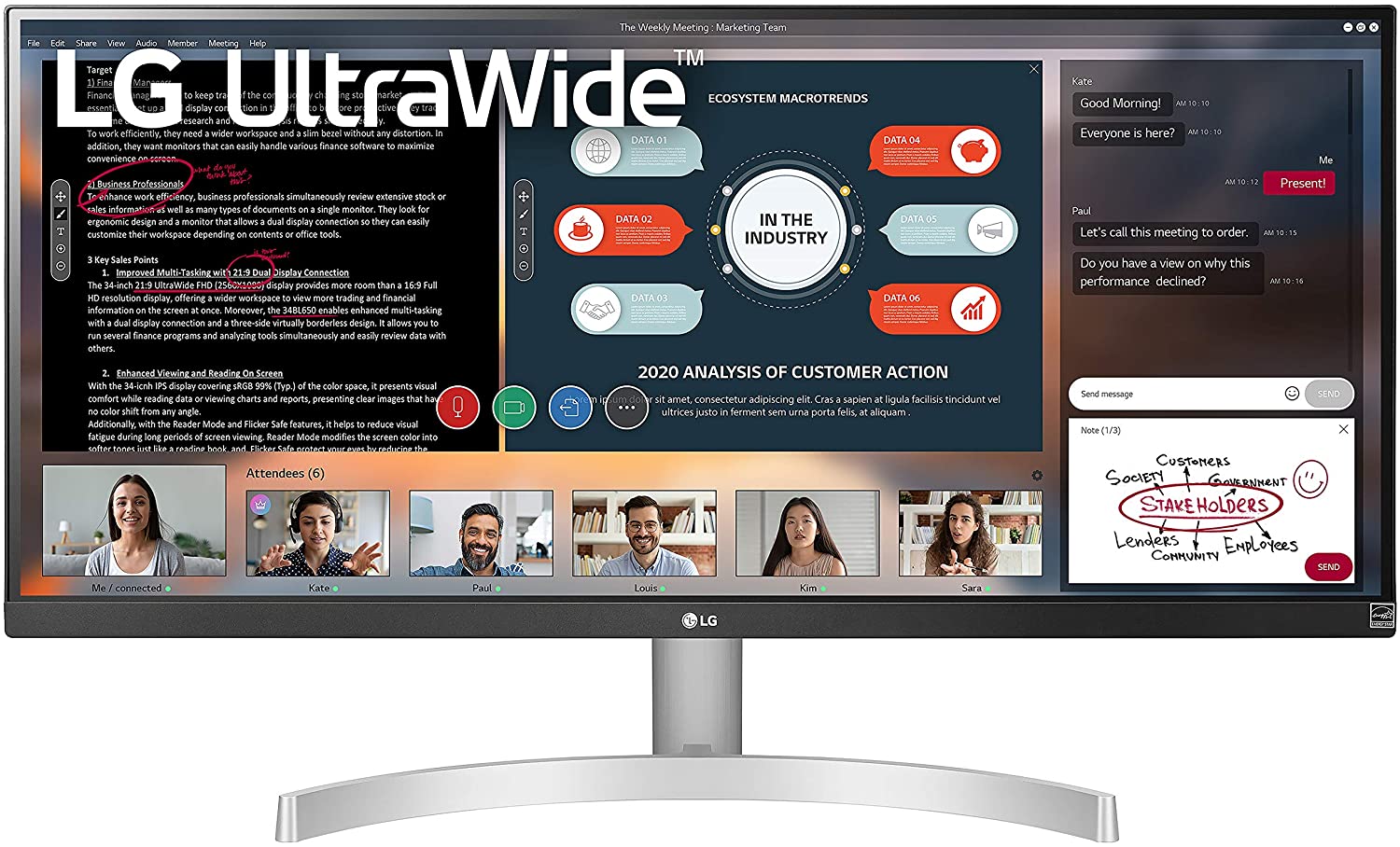 Figure 4 - 29” Ultrawide Monitor
While at a glance the 29” monitor looks bigger, the 27” monitor actually has 2.3% more surface area. By being an informed consumer you can choose screens that are right for you instead of falling prey to marketing tricks.
Two reasons people may want a higher resolution screen is to view more content on their screen, or view them same content as before, just with a clearer picture. Here is a visual to explain fitting more content on the same size screen just with a higher resolution.
For simplicities sake let’s imagine you have a screen that is 2 pixels by 2 pixels and a web browser that has a minimum size of 2x2 pixels.
 Figure 5
On this screen, you could fit one web browser. Pretend you are viewing this web browser on a 50” TV. That would be a lot of space for just one web browser. Now let’s imagine you have a 50” TV that is 4 pixels by 4 pixels.
On this second screen you would have more options.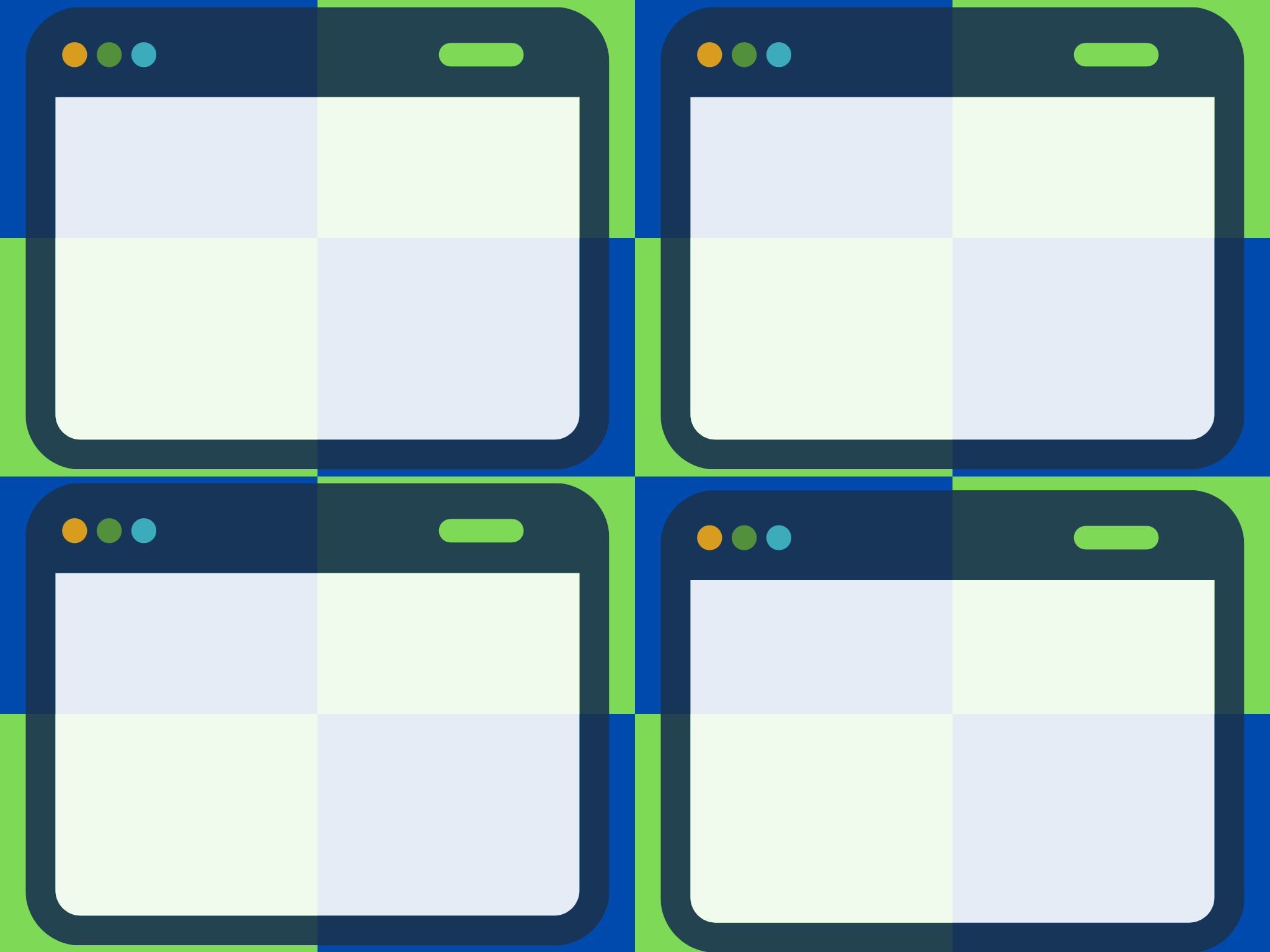 Figure 6
 Figure 7
As you might imagine, the bigger the screen you work on, the more benefit to having a higher resolution. If you ran this same experiment on a 10” screen instead of a 50” screen, you would have difficulty viewing 4 simultaneous web browsers due to the small size of the screen.
One final thing to keep in mind is the distance you sit from the screen. A 50” 1080p TV looks great from 8 feet away, however, the images would be less clear if you were sitting 2 feet in front of the TV ,because you could start to see the space between the pixels. In that scenario, a higher resolution TV would be a better choice. These same rules apply to any screen: tablets, phones, laptops etc… The reason a 1080p 10” tablet looks so clear when viewing it closely, is that while it is smaller than a 50” 1080p TV, there are the same exact amount of pixels, but the pixels are much closer together, making it harder to notice the space between the pixels.
Now, whether or not you should 2 feet in front of a TV is a whole different conversation!
Screen Size
Screen size is just what it sounds like; the actual physical size of the screen. Unlike most things in life, screen size is measured on the diagonal instead of vertically or horizontally.Figure 1As you might imagine, depending on the aspect ratio (the ratio of the width of a screen to its height) of a device, two screens that have the same diagonal measurement may have very different surface areas. Take this example.
Figure 2Here we have two 10” screens, however, one is square and one is rectangle. Calculating the individual areas shows us that the square screen is actually 15% larger overall than the rectangle screen. If these were actual products, they would both be advertised as having a 10” screen despite the square actually having a larger screen area. Each size screen offers a different advantage for content viewing. The square screen is more ideal for working on vertical text documents with less wasted space on either side, while the rectangle screen is better for watching a movie with less wasted space on the top and bottom. For a real world example compare these two LG monitors. One is 27” and one is a 29” “ultrawide” monitor.
Figure 3 - 27” MonitorFigure 4 - 29” Ultrawide MonitorWhile at a glance the 29” monitor looks bigger, the 27” monitor actually has 2.3% more surface area. By being an informed consumer you can choose screens that are right for you instead of falling prey to marketing tricks.
Screen Resolution
Screen resolution refers to how many pixels make up a screen. Pixels are the tiny squares you see if you stick your face very close to a TV screen or computer monitor. The most common screen resolution people may be familiar with is 1080p, also referred to as Full HD. 1080p is a short hand for 1920x1080 pixels. That means the display has 1,920 horizontal pixels multiplied by 1,080 vertical pixels for a total of 2,073,600 pixels. While that may seem like a lot of pixels, it really depends on the size of the screen. Filling a 10” tablet screen with 2,073,600 pixels will create a very sharp picture, but stretching out those pixels to cover a 100” tv screen lowers the image quality.Two reasons people may want a higher resolution screen is to view more content on their screen, or view them same content as before, just with a clearer picture. Here is a visual to explain fitting more content on the same size screen just with a higher resolution.
For simplicities sake let’s imagine you have a screen that is 2 pixels by 2 pixels and a web browser that has a minimum size of 2x2 pixels.
Figure 5On this screen, you could fit one web browser. Pretend you are viewing this web browser on a 50” TV. That would be a lot of space for just one web browser. Now let’s imagine you have a 50” TV that is 4 pixels by 4 pixels.
On this second screen you would have more options.
Figure 6- View 4 browsers at once, each taking up 2x2 pixels like in figure 5.
Figure 7 - View 1 web browser on the screen like figure 5, but at 4x greater resolution (4 times clearer) than the browser in figure 5.
As you might imagine, the bigger the screen you work on, the more benefit to having a higher resolution. If you ran this same experiment on a 10” screen instead of a 50” screen, you would have difficulty viewing 4 simultaneous web browsers due to the small size of the screen.
One final thing to keep in mind is the distance you sit from the screen. A 50” 1080p TV looks great from 8 feet away, however, the images would be less clear if you were sitting 2 feet in front of the TV ,because you could start to see the space between the pixels. In that scenario, a higher resolution TV would be a better choice. These same rules apply to any screen: tablets, phones, laptops etc… The reason a 1080p 10” tablet looks so clear when viewing it closely, is that while it is smaller than a 50” 1080p TV, there are the same exact amount of pixels, but the pixels are much closer together, making it harder to notice the space between the pixels.
Now, whether or not you should 2 feet in front of a TV is a whole different conversation!